
- Learn
- The B2B Enablement Hub
- Why do so many B2B companies struggle to make HubSpot work?
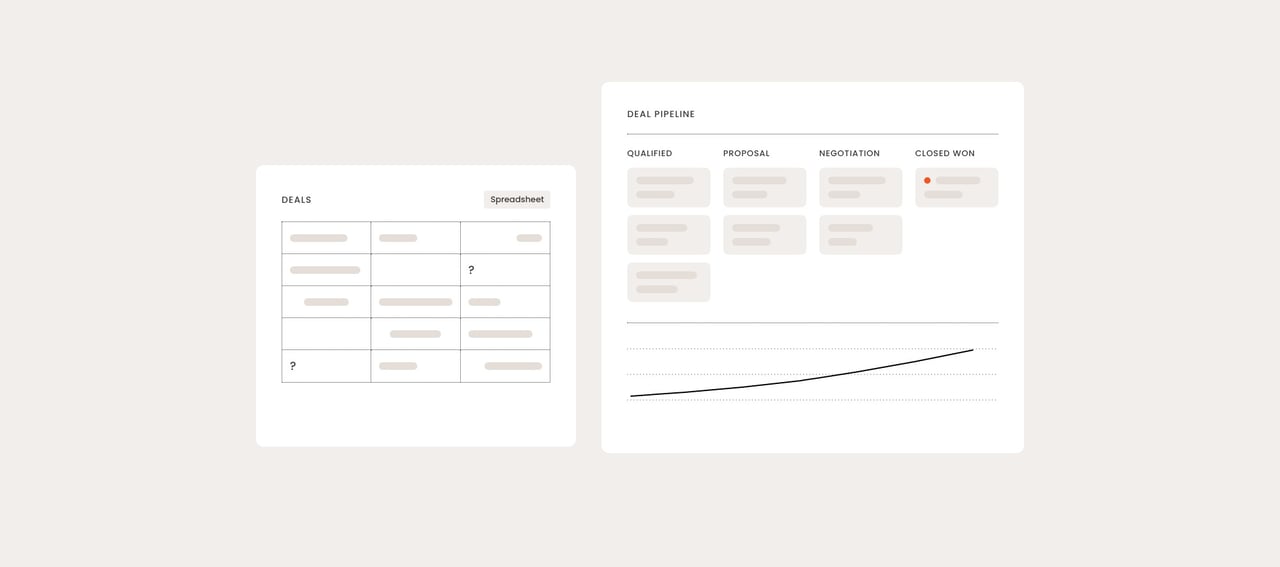
Most B2B companies struggle with HubSpot because of how it was set up, not because of the platform. Instances configured without a defined sales process, a mapped buyer journey and a clear reason for sales to use them produce messy data, pipelines nobody trusts and reports nobody opens. The fix is usually deliberate architecture, not a new tool.
This applies to mid-sized and large B2B companies using HubSpot's Marketing Hub, Sales Hub or Service Hub, especially those with long sales cycles and several teams in the same system. If you're a small team using HubSpot mainly for email and forms, most of these problems won't apply yet.
Why does this matter more in 2026?
A poorly configured HubSpot instance costs more in 2026 than it did a few years ago, because more of what the platform does now depends on the quality of the data and structure underneath it. Since 2024, HubSpot has added AI features across its hubs that draw on your CRM records. Reporting, lead scoring and automation all inherit whatever structure, or lack of structure, your setup has.
At the same time, B2B buyers research more on their own before talking to sales, including through AI search tools. That makes the handoff from marketing to sales, and the data that follows a buyer through it, more important than ever. A HubSpot instance that can't show where a lead came from or what it has already seen weakens exactly that handoff.
What does "HubSpot not working" actually look like?
A HubSpot instance isn't working when the teams paying for it don't trust it enough to run their work in it. HubSpot is defined as a customer platform that combines CRM, marketing, sales, service and content tools on one shared database. Its value depends entirely on people using that shared database as the source of truth.
After more than 15 years in online strategy, this is my working definition:
A CRM works when sales, marketing and leadership would all rather open it than their own spreadsheet, because it gives them a faster, truer answer.
The typical warning signs are:
- Sales works around the system: deals live in spreadsheets, notes live in inboxes, and HubSpot is only updated before pipeline meetings, if at all.
- Nobody trusts the pipeline: forecasts are adjusted by gut feeling because deal stages mean different things to different reps.
- Reporting takes days: numbers are exported and stitched together by hand because the data isn't connected.
- Licences are paid for but not used: people log in, but the features you bought for them sit idle.
- Software spend rises while pipeline stays flat: new tools get added to solve problems the existing setup should already handle.
Underused HubSpot instances are, unfortunately, common. If you recognise two or more of these signs, the problem is almost certainly structural.
What are the most common reasons HubSpot fails?
There are six common root causes, and only the last one is about the platform itself. In my experience, most struggling instances combine two or three of them.
1. It was configured without a defined sales process
HubSpot mirrors the process you give it. If nobody agreed on the stages of your sales process, the buyer journey or what "qualified" means before configuration started, the instance encodes whatever each person assumed. Pipelines, deal stages and lifecycle stages then look tidy but mean different things to different people.
2. Nobody explained why sales should use it
Sales teams adopt a CRM when it makes their own work easier, not when management asks them to log activity. If the setup was designed around marketing's reporting needs, sales will see it as admin and route around it.
3. The data foundation was never built
Migrations often move old data into HubSpot as-is: duplicates, missing company associations, inconsistent industry values, properties nobody remembers creating. Every report and workflow built on top then inherits those errors. Bad data invalidates every number that depends on it.
4. Automation came before the foundation
Workflows, lead scoring and sequences are the exciting part, so they often get built first. Automation built on an undefined process and unreliable data simply moves bad data faster. At Zooma, our rule is data foundation and process design before automation.
5. Nobody owns it
When no one internally is responsible for HubSpot's structure, the instance drifts: new properties, duplicate workflows and one-off fixes pile up. Unclear ownership erodes capability faster than anything else.
6. The platform or plan doesn't fit the need
Sometimes the problem really is fit: the company is on a HubSpot tier that lacks features its process needs, the instance overlaps with other tools doing the same job, or a genuinely complex data model is stretched beyond what the setup was designed for. This is the least common root cause, and it should be the last one you conclude, not the first.
Is HubSpot itself ever the problem?
Rarely. It's time to talk about the elephant in the room: when HubSpot "doesn't work," the conversation often jumps straight to replacing it. Switching platforms without fixing the underlying process, data and ownership just moves the same problems into a new, more expensive system.
The platform is the right suspect only after you have checked the first five causes, and when the gap is specific: a feature your process needs that your tier or setup can't provide, or an integration requirement (for example with your ERP) that can't be met. We at Zooma examine platform fit and adoption together with your processes and data before recommending any further investment, because the cheapest fix is almost never a new tool.
Where should you start? A diagnostic table
Start with the symptom you see most often and work back to its root cause. The table maps common symptoms to where the fix usually begins.
| Symptom | Most likely root cause | Start with |
|---|---|---|
| Deal stages mean different things to different reps | No defined sales process (cause 1) | Agree process and stage definitions, then reconfigure pipelines |
| Sales keeps deals in spreadsheets | No clear benefit for sales (cause 2) | Redesign views, tasks and reports around what sales needs daily |
| Reports need manual exports and fixes | Weak data foundation (cause 3) | Data audit: duplicates, associations, property clean-up |
| Workflows fire on the wrong contacts | Automation before foundation (cause 4) | Pause and review automation, fix data and definitions first |
| Properties and workflows keep multiplying | No internal owner (cause 5) | Name an owner and agree naming and governance rules |
| A specific need can't be met at all | Platform or plan fit (cause 6) | Scope the exact gap before comparing tiers or tools |
Should you fix, rebuild or replace your HubSpot setup?
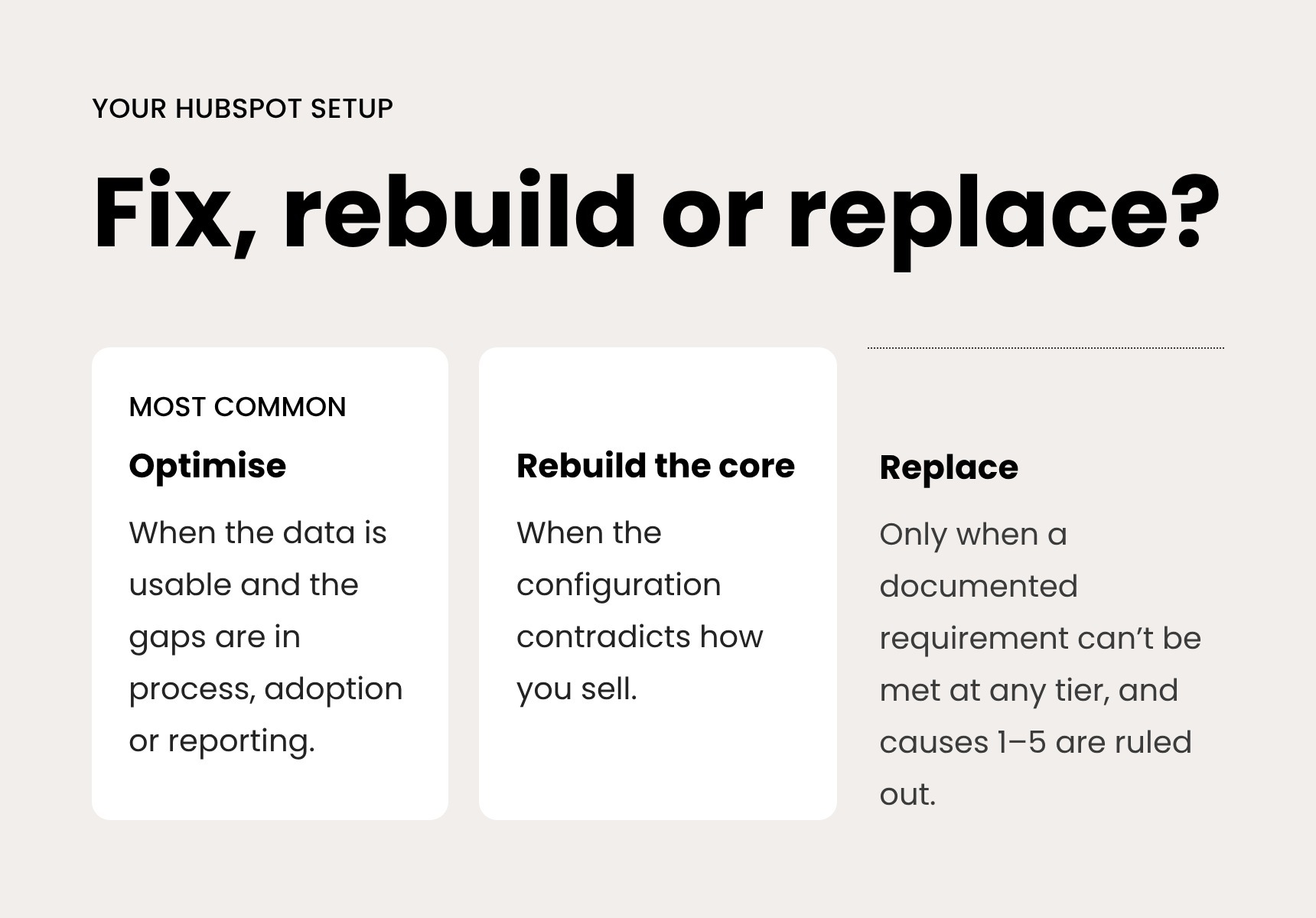
Fix the setup in most cases, rebuild it when the foundation is fundamentally wrong, and replace the platform only when a specific, verified requirement can't be met.
- Optimise the existing setup when the data is broadly usable and the problems sit in process definitions, adoption or reporting. This is the most common case.
- Rebuild the core (pipelines, lifecycle stages, data model) when the original configuration contradicts how you actually sell, or when the data can't be cleaned without restructuring it.
- Consider replacing the platform only when a documented requirement falls outside what HubSpot can do at any tier, and you have ruled out causes 1–5.
In our experience, a focused optimisation shows operational results (clean data, working pipelines, usable reporting) within the first 4–8 weeks. Commercial results follow within one to two sales cycles. Anyone promising overnight revenue impact from a platform change is overselling.
When this advice doesn't apply
- If you've just implemented HubSpot, give adoption a few months before diagnosing failure, but check causes 1 and 3 early, because they get more expensive to fix over time.
- If you're a very small team, a formal ownership and governance model is overkill. One person keeping definitions and data tidy is enough.
- If your core problem is capacity, for example no one has time to follow up leads at all, no CRM configuration will fix it. That's a staffing decision.
- If you operate across several markets, add consent and data-retention rules under GDPR to the data foundation (cause 3). Retrofitting them later is harder than building them in.
Actionable takeaways
- This week (low effort): Ask three sales reps where they actually keep their deal information. If the answer isn't HubSpot, start with causes 1 and 2.
- This month (low effort): Name one internal owner for HubSpot's structure and give them the mandate to say no to new properties and workflows without a purpose.
- Within a quarter (medium effort): Run a short audit of process definitions, data quality, automation and adoption before buying any new tool, tier or add-on.
- Choose optimisation when the data is usable and the gaps are in process and adoption. Choose a rebuild when the configuration contradicts how you sell. Consider replacement only after both are ruled out.
